Building Your First Line of Defense: A Practical Guide to Defensive Security
On this page
- 🧱 Core Pillars of Defensive Security
- 🔐 1. Perimeter Defense
- 🖥️ 2. Endpoint Protection
- 🧠 3. SIEM & Log Management
- 🧪 4. Threat Intelligence
- 🔄 5. Patch Management
- 🚨 Common Defensive Security Failures
- 🛡️ Best Practices for Organizations
- 🧰 Free Tools for Defensive Security
- 🔗 External Resources
- 🔄 Related HackerVault Posts
- 🎯 Conclusion
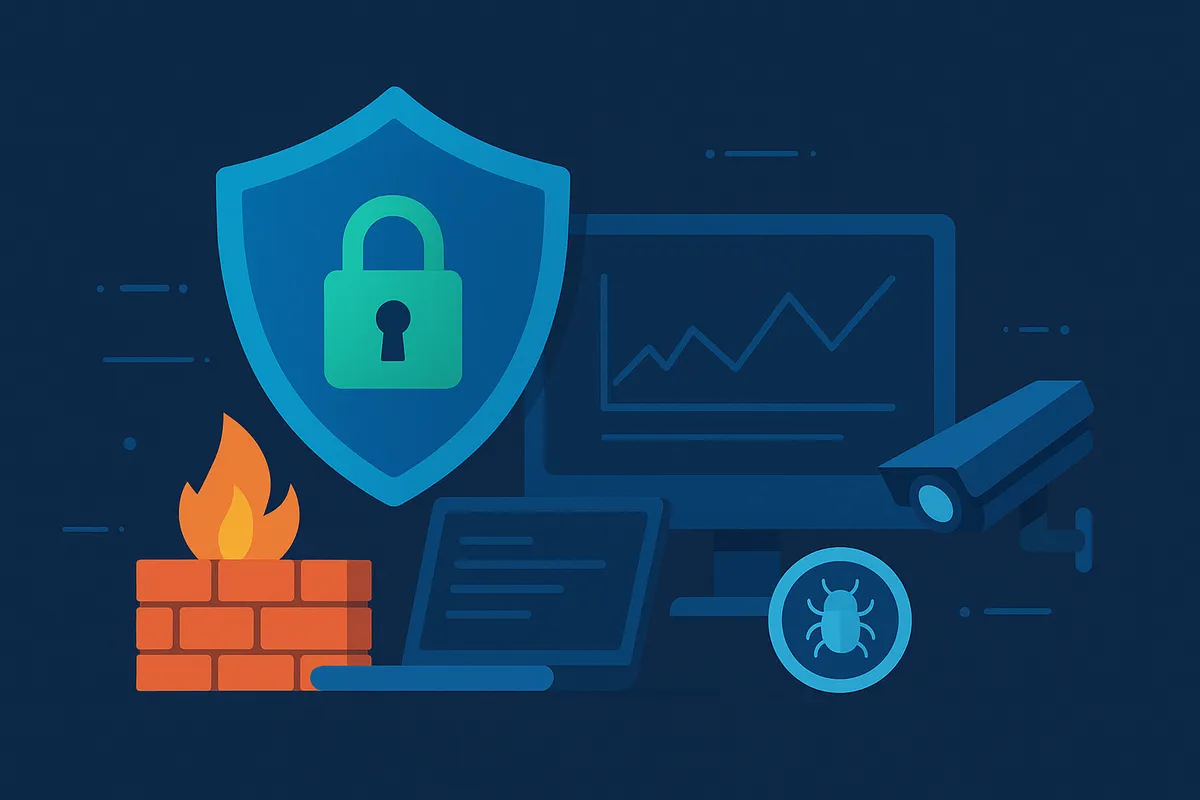
Defensive security refers to the proactive strategies and technologies that protect systems, networks, and data from cyber threats. Unlike offensive security (e.g., penetration testing), the goal here is prevention, detection, and response—not exploitation.
It's about building a digital fortress around your organization to withstand attacks before they cause damage.
🧱 Core Pillars of Defensive Security
🔐 1. Perimeter Defense
- Firewalls filter traffic at the network boundary.
- Web Application Firewalls (WAFs) protect against attacks like SQL injection and XSS.
- VPNs secure remote access.
🖥️ 2. Endpoint Protection
- Antivirus and anti-malware solutions detect known threats.
- EDR (Endpoint Detection & Response) tools monitor and respond to advanced attacks.
- Device control prevents unauthorized USBs and peripherals.
🧠 3. SIEM & Log Management
Security Information and Event Management (SIEM) platforms like Wazuh, Splunk, or ELK Stack aggregate logs and alert on suspicious activity.
📌 Related Post: 🔗 Wazuh SIEM: Getting Started with Threat Detection
🧪 4. Threat Intelligence
Use feeds like:
They help block known malicious IPs, hashes, and domains in real time.
🔄 5. Patch Management
Unpatched software is one of the top ways attackers gain entry. Use tools like:
- WSUS or SCCM (Windows)
- Ansible, Chef (Linux)
Automate patch cycles and test updates in staging environments.
🚨 Common Defensive Security Failures
- Relying solely on antivirus
- No logging or centralized monitoring
- Weak password policies and no MFA
- Delayed incident response
- Outdated backups (or none at all)
🛡️ Best Practices for Organizations
- Enable MFA across all user accounts
- Backup regularly and test restore procedures
- Use zero trust network architecture (ZTNA)
- Train users to recognize phishing and social engineering
- Deploy network segmentation to contain lateral movement
🧰 Free Tools for Defensive Security
ToolPurposeWazuhOpen-source SIEM & EDRSnort/SuricataIDS/IPSCrowdSecCollaborative firewallingOSQueryEndpoint visibility & detection
🔗 External Resources
🔄 Related HackerVault Posts
🎯 Conclusion
Defensive security isn’t a product—it’s a mindset. It's the continuous practice of preparing for the worst, monitoring the present, and learning from the past. Whether you're defending a corporate network or your personal setup, the key is layered protection, visibility, and readiness.